Install her on your Mac. She helps run AI, and you earn MAGIC.
Any device can get in line. Join the waitlist and tell us what you have.
All you need is an email. No password, no card.
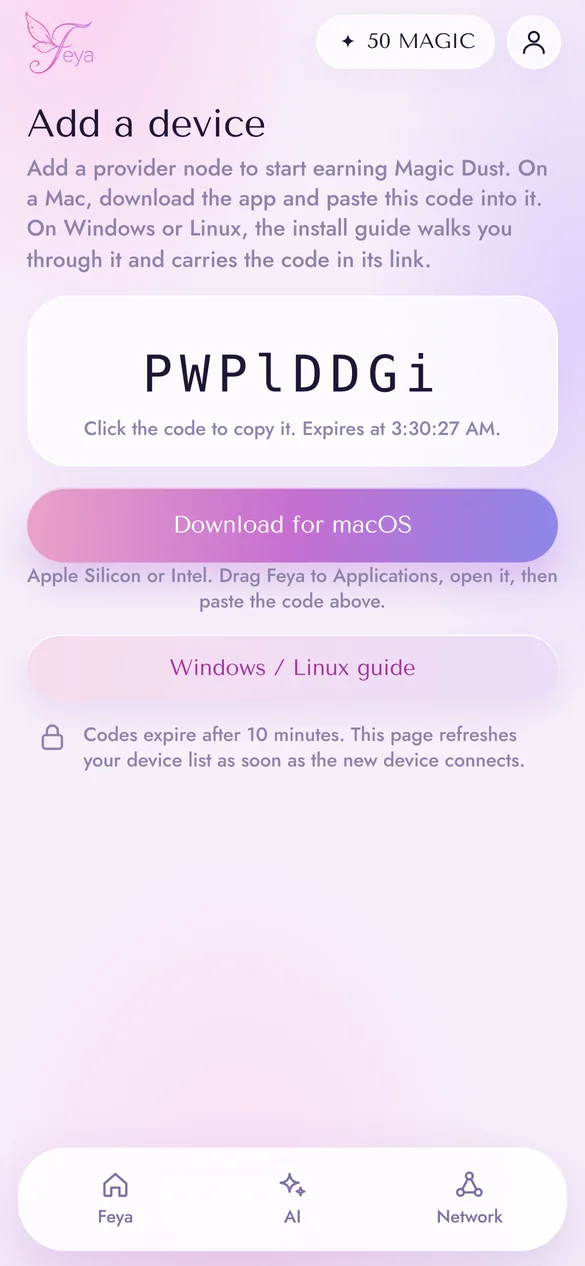
Download the app and paste the code from your account. About 10 minutes.
In the background, your Mac answers AI requests from people on Feya. Every answer earns MAGIC.
The beta network is live. These numbers come from it directly and refresh every few seconds.
Active node Waitlist
More about Feya
Each Mac lends Feya about two thirds of its memory, so you can keep using it. Models past the dashed line are split across several Macs.
Short, simple questions
Fits on any Mac
Pictures from a text description
Fits on any Mac
Emails, summaries, ideas
Fits on a 16 GB Mac
Harder questions that need reasoning
A big Mac, or two together
Long, detailed answers
Several Macs together
The most capable model on Feya
Many Macs together
1 MAGIC = 1,000,000 Magic Dust. Dust is the small change.
What she can touch, and what she never does.
 Feya’s corner
AI models
Settings and logs
Feya’s corner
AI models
Settings and logs
The first two steps take a minute. The other three take about ten, once we open access for you.
No. You can sign up and just use the chat. Adding a Mac grows the network and earns you MAGIC.
During the beta, your prompts are processed on computers in the Feya network, including Macs and PCs run by other Feya members, which can see what you send while they answer it. This is a concession we are making for the beta, so please don’t share anything sensitive. Feya does not store your chat history during the beta: your conversations are not saved on our servers, in your browser, or on the computers that answer them. Feya’s security and privacy are audited annually by an independent firm. Privacy notice
For now it pays for your AI requests, which are free during the beta anyway. We’re still finalizing the full program terms and rewards, and will publish them before they take effect.
To pause, flip the switch in the menu bar. To remove it, quit Feya from the menu, drag it from Applications to the Trash, and delete the .feya folder in your home folder, where the models live.
Tap Sign in and enter your email. We’ll send a sign-in link that works for 15 minutes.
The chat sends it to Feya’s coordinator. The coordinator tracks which devices are online, which model each has loaded and how fast it is, and routes the request to a device, or a group of devices, running that model. The answer comes back the same way.
Two widely used engines: llama.cpp for text models and stable-diffusion.cpp for images, running on your Mac’s GPU through Metal. The models are open-weight: Llama, Gemma, Qwen, DeepSeek. Feya’s own code just connects these engines to the network.
The coordinator picks the largest model the online Macs can hold between them. One Mac leads, the others help, and the model’s layers are split by how much memory each one has. The lead runs the model; the helpers compute their layers over llama.cpp’s RPC protocol. It works best when the Macs are close to each other on the network.
Your Mac opens an outbound WebSocket to Feya, encrypted with TLS, and keeps it open. Requests come in over that connection, so nothing on the internet connects to your Mac directly. Each device proves its identity with its own key, so another machine can’t pose as it.
You don’t have to choose. Your Mac reports how much memory it can spare (part of its RAM, capped by what the GPU can handle), and the coordinator gives it a model that fits, or makes it a helper on a bigger one. A small starter model downloads first, and a better one follows in the background.
Each answer produces a receipt: model, tokens and time, signed with an Ed25519 key that never leaves your device. The coordinator checks the signature and credits MAGIC based on the tokens, the model file’s precision, your Mac’s speed and your device’s reliability rating. When a model is split, each Mac is paid for its part.
Stay in touch.